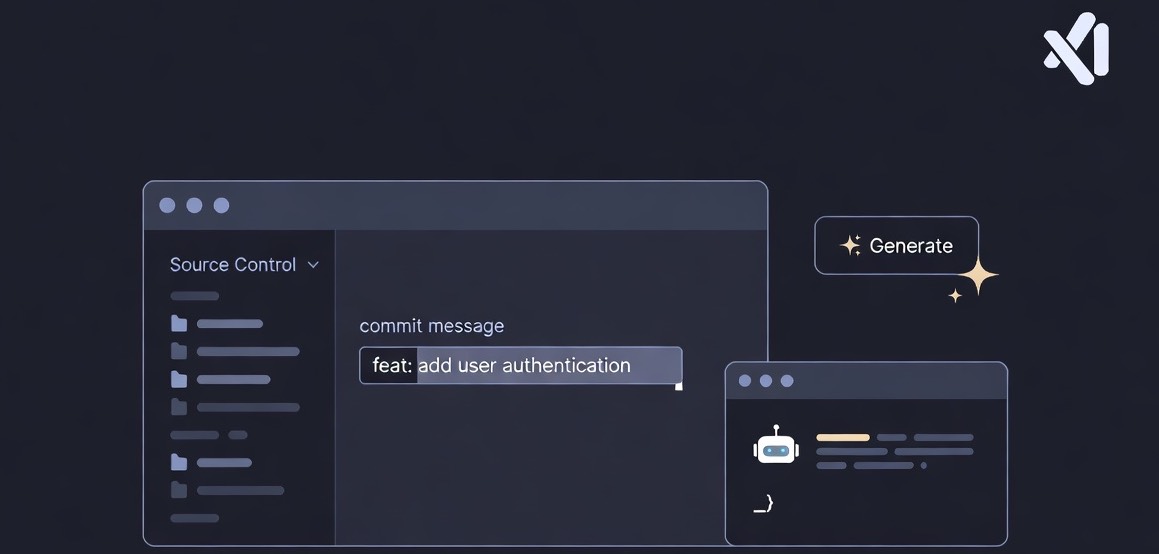
I wanted a small button in VS Code that could generate a commit message from my staged changes.
That sounds simple, but the detail I cared about was not only the generated message.
I wanted the generation to happen through the tools I already use locally.
Sometimes that is Codex CLI. Sometimes it is Claude Code. Later it might be opencode or another command-line tool entirely. I did not want the extension to become another hosted commit-message service or another place where the model choice is locked behind the extension itself.
So I built Local Commit AI.
The problem
Writing commit messages is not hard, but it is repetitive.
The context is already available in Git. The staged diff says what changed. Most of the time, I just want a concise conventional commit message that matches that diff.
I had been using a small shell function for this:
codex exec "Generate a conventional commit message for this staged git diff..."
That worked, but it still lived outside the place where I was committing.
The usual flow was:
- stage changes
- run the shell helper
- copy the result
- go back to VS Code
- paste it into the commit input
- adjust if needed
That is not a huge amount of friction, but it is enough friction to notice when you do it many times.
The better version was obvious: keep the generation next to the commit box.
What Local Commit AI does
Local Commit AI adds a Generate Commit Message action to the VS Code Source Control toolbar.
When you click it, the extension:
- reads staged changes with
git diff --cached - applies your prompt template
- sends the prompt to the selected CLI
- writes the generated message back to the Git commit input
The extension does not try to own the AI layer.
It is mostly glue between VS Code, Git, and a command-line AI tool.
That is the part I like about it.
Why local CLI tools
There are already tools that generate commit messages. Some are built into larger products, some call hosted APIs directly, and some make their own assumptions about provider, model, and prompt.
I wanted something narrower.
If I already have Codex CLI configured on my machine, the extension should use that. If I prefer Claude Code, it should use that instead. If I later want to run a different CLI, the extension should not need a redesign just to support that basic shape.
That is why the current providers are:
codexclaudecustom
Codex and Claude are there as convenient presets.
The custom provider is there because the real abstraction is not a specific vendor. The real abstraction is: “given this prompt, run this command and return text.”
The default prompt
The default prompt is intentionally strict.
The extension asks for exactly one conventional commit message and nothing else. That matters because some models try to be helpful in ways that are not useful inside a commit input.
For example, Claude may sometimes say something like:
Looking at this diff, this change appears incomplete.

If you want to commit it, the message would be:

docs: update README notes
That is a reasonable assistant response, but it is a bad commit input value.
So the prompt explicitly says:
- return exactly one line
- use conventional commit format
- do not use markdown
- do not add explanations, notes, warnings, or recommendations
- if the diff is small or incomplete, still generate the best possible commit message
There is also a small cleanup step after generation. If the CLI still returns commentary before a conventional commit line, Local Commit AI keeps the commit line and anything after it, and drops the preamble.
That keeps the commit input usable without trying to be too clever.
Limiting the diff
One setting I added early was localCommitAi.maxDiffLines.
By default, the extension sends only the first 100 lines of the staged diff.
That is deliberate.
Commit messages usually do not need the entire diff for large changes. Sending too much context makes generation slower, noisier, and sometimes less focused. For many commits, the first chunk of the diff is enough for the model to infer the type and intent.
If you want no limit, you can set it to 0.
{
  "localCommitAi.maxDiffLines": 0
}
For my own use, keeping a limit makes the tool feel faster and more predictable.
Codex and Claude presets
The simplest setup is choosing one of the built-in providers.
For Codex CLI:
{
  "localCommitAi.provider": "codex",
  "localCommitAi.model": "gpt-5.4-mini"
}
For Claude Code CLI:
{
  "localCommitAi.provider": "claude",
  "localCommitAi.model": "claude-haiku-4-5-20251001"
}
The model field is optional. If it is empty, the selected CLI uses its own default behavior.
That is useful because model defaults may already be configured in your CLI environment.
Toolbar icon
By default, the Source Control toolbar action uses VS Code’s hubot icon. If you prefer something quieter, you can change it with localCommitAi.buttonIcon. The supported values are sparkle, hubot, gitCommit, and commentAdd.
Custom commands
The custom provider is the part that makes the extension more future-proof.
You can point it at another command-line tool and decide how the prompt should be passed.
For example, with opencode:
{
  "localCommitAi.provider": "custom",
  "localCommitAi.customCommand": "opencode",
  "localCommitAi.customArgs": ["run", "{prompt}"],
  "localCommitAi.customPromptStdin": false
}
If a CLI reads from stdin, you can keep the prompt out of the arguments:
{
  "localCommitAi.provider": "custom",
  "localCommitAi.customCommand": "your-cli",
  "localCommitAi.customArgs": ["generate-commit-message"],
  "localCommitAi.customPromptStdin": true
}
That shape is intentionally simple.
The extension does not need to know what the command does internally. It only needs stdout back.
Customizing the prompt
The prompt is also configurable.
The important placeholder is {diff}. Wherever that appears, the extension inserts the staged diff after applying the line limit.
A prompt can be as strict or as loose as you want:
{
  "localCommitAi.prompt": "You are a commit message generator. Return exactly one conventional commit message.\n\nDiff:\n{diff}"
}
I prefer a strict prompt because the output is going directly into an input field, not into a chat window.
A chat answer can contain caveats. A commit input should not.
Debugging command output
There is also a localCommitAi.debug setting for troubleshooting.
When it is enabled, the extension writes generation diagnostics to the Local Commit AI output channel. It includes things like the selected provider, command shape, prompt source, diff line counts, duration, exit code, stderr preview, and the final generated message.
It does not log the full prompt or the full diff.
Who this is for
Local Commit AI is for developers who:
- use VS Code’s Source Control view
- already use AI CLI tools locally
- want commit message generation without another hosted service
- prefer conventional commit messages
- want control over provider, model, prompt, and command execution
It is probably less interesting if you want a full commit assistant with history analysis, issue linking, and heavy workflow automation.
That is not the goal.
The goal is smaller: take the staged diff, ask your local AI CLI for a good message, and put the result where you need it.
Why I like this shape
I like tools that do one small thing at the point of friction.
Local Commit AI does not replace Git. It does not replace VS Code. It does not replace Codex, Claude, or any other CLI.
It connects them at a useful point.
That is enough.
The commit message still belongs to you. You can edit it before committing. The extension just gets you to a reasonable starting point faster.
Project link: