Recently I started using Devbox.
It is one of those tools that made immediate sense to me because it sits exactly in the gap I have been feeling for a long time.
Before that, my default workflow for trying a new idea was usually one of two things:
- install whatever I needed directly on my machine with Homebrew
- put the whole thing into Docker, even when the project was small
Both approaches work, but neither one felt right all the time.
Installing tools directly on my laptop is easy in the short term, but it slowly turns the machine into a place where random project decisions accumulate. A tool I needed once ends up sitting around forever. Version differences start to matter. The system becomes less intentional over time.
Docker solves a different problem, and sometimes it is exactly the right answer. But for very small experiments, side projects, or quick idea testing, it can also feel heavier than what I actually need. Sometimes I do not want a containerized runtime model. I just want a clean development shell with the right tools available.
Why I never fully committed to Nix
I have wanted something like this for a long time, which is why Nix has always been interesting to me in theory.
The promise is very attractive: reproducible environments, clean dependency boundaries, and less pollution on the host machine.
The part that always stopped me was not the idea. It was the feeling that the configuration itself asked for more commitment than I wanted to give, especially for small projects. Every time I looked at a Nix-based setup directly, it felt like I needed to buy into a whole way of thinking before I could get the practical benefit I was actually after.
Why Devbox clicked
Devbox was the first tool in this space that felt like it reduced the activation energy enough for me to actually use it.
The part I liked immediately is that it gives me the Nix-backed isolation I wanted, but through a much more approachable shape. Instead of feeling like I need to adopt the Nix language first, I can describe a project environment in a small JSON file and move on.
Instead of thinking, “do I want to invest in learning this whole toolchain right now?”, the question becomes much simpler: “do I want this project to have a clean shell with pinned tools?”
That is a much easier yes.
Jetify’s own docs describe Devbox as a way to create isolated, reproducible development shells without needing Docker or the Nix language, and that matches the part that mattered most to me in practice. Sources: What is Devbox?, Devbox GitHub repository.
What it looks like in practice
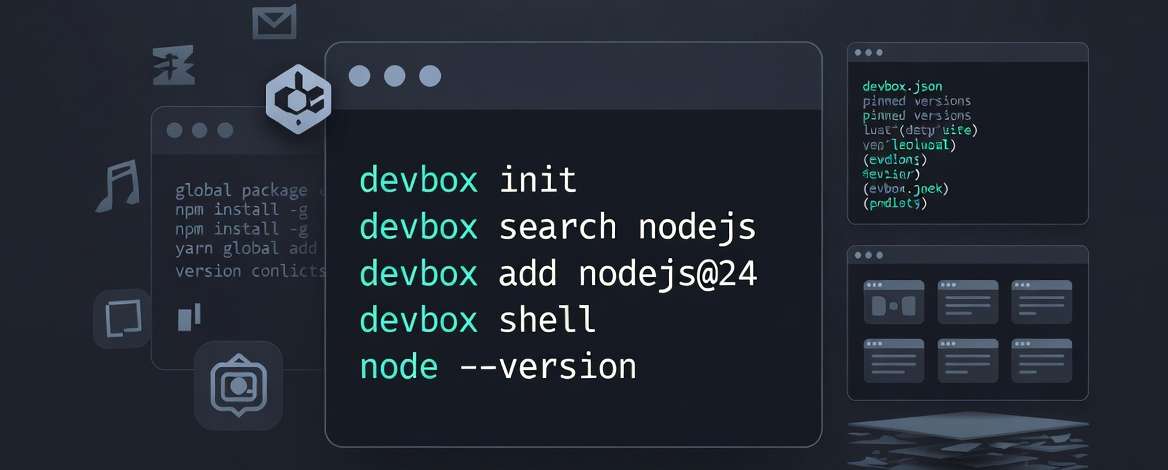
When I want to try a small project, I do not have to decide between making my laptop messier or creating more container setup than the project deserves. I can define the tools, enter the shell, and keep going.
The flow is simple enough that it is easy to remember:
devbox init
devbox search hugo
devbox add hugo@0.159.0

devbox shell # activate environment
hugo server
And the config stays small:
{
  "packages": ["hugo@0.159.0"],
  "shell": {
    "scripts": {
      "dev": ["hugo server"],
      "build": ["hugo --gc --minify"]
    }
  }
}
That is what made it click for me. It gives me the boundary I wanted without forcing a heavier setup than the project deserves.
It also makes cleanup feel more realistic. When the project is over, I do not need to remember which packages I threw onto my machine just to get through one afternoon of testing. The dependency boundary stays with the project.
That is the part I appreciate most. It feels lighter than Docker for this category of work, but still much more intentional than installing everything globally.
Why it feels worth keeping
Some tools are impressive but never become habit.
Devbox feels more promising to me because it fits into the kind of development work I actually do: small experiments, side projects, trying tools quickly, switching contexts often, and not wanting my machine to reflect every temporary decision I make.
I still think Docker and plain host installs both have their place. This is not really about replacing everything with one tool.
It is more that Devbox finally gave me a practical middle layer I had been missing for a long time.
That is why it clicked.